
Gold4K IPTV—often shortened to Gold IPTV delivers a huge channel lineup plus a deep VOD library, with streams in HD, Full HD, and selected 4K. It runs smoothly on Android TV when paired with a capable IPTV player app and a stable internet connection. This guide shows you how to set up Gold IPTV on Android TV, tune performance, and fix common issues so you get reliable, high-quality streaming.
What is Gold IPTV on Android TV?
Gold IPTV is an internet TV service that provides live channels and on-demand content through playlist URLs or Xtream Codes credentials. You plug those details into an IPTV player on your Android TV and start streaming. Expect thousands of channels across regions and genres, plus a sizable movie and series catalog. Android TV is a great fit for Gold IPTV on Android TV because it offers a clean interface, simple remote navigation, and access to top IPTV apps.
Standout features of Gold IPTV on Android TV
Large channel count and deep VOD
- Global sports, news, movies, kids, lifestyle, and more—organized into clear categories for quick browsing.
HD and 4K streams
- Many channels play in HD or Full HD, and select content streams in Ultra HD 4K. Modern codecs such as H.265/HEVC help maintain quality while keeping bandwidth in check.
EPG support
- An electronic program guide shows what’s on now and next in grid or timeline views, so you can plan live viewing with ease.
Multi-device compatibility
- Watch on Android TV today, then switch to mobile, PC, Smart TV, or a MAG box later. A standard plan typically supports one active connection at a time.
Cost value
- Multi-month plans are often far cheaper than cable, while offering a broader mix of international channels and VOD.
What you need before you start
Android TV or Google TV device
- Examples: NVIDIA Shield, Chromecast with Google TV, Mi Box S, and many Sony or TCL Android/Google TVs.
Active Gold IPTV subscription
- You’ll receive either an M3U playlist URL or Xtream Codes API credentials (portal URL, username, and password).
An IPTV player app (no official Gold app)
- Great options include IPTV Smarters Pro, TiviMate, XCIPTV, and Smart IPTV. Each supports M3U and/or Xtream Codes login.
Reliable internet
- Minimum 4 Mbps works in a pinch. Plan for ~8 Mbps for HD and 20–25 Mbps for 4K. A wired Ethernet connection beats Wi-Fi for consistency.
Optional: VPN
- Some users try a VPN for privacy or to avoid throttling. Note that some providers block VPN or proxy traffic. Test both ways and use what works.
Step-by-step: set up Gold IPTV on Android TV
- Install an IPTV player.
- Open the Play Store and install IPTV Smarters Pro or TiviMate. If an app isn’t listed for your model, sideload it via the Downloader app and enable “Unknown Sources” for that app in system settings.
- Launch and choose your login method.
- Most players offer two paths:
- M3U playlist: paste your playlist URL
- Xtream Codes: enter portal URL, username, and password
- Xtream Codes often delivers faster guide syncing and cleaner category loading.
- Enter your credentials carefully.
- Paste the M3U URL exactly, or enter the portal URL plus username and password. Save and log in. The app will fetch channels, groups, VOD entries, and EPG data.
- Wait for the initial sync.
- Large playlists can take a minute or two to populate. When done, you’ll see Live TV, Movies, Series, and EPG options on the home screen.
- Confirm playback
- Test a few live channels and a VOD title to make sure audio, video, and subtitles work as expected.
Account rule: A standard plan usually supports one active connection. Avoid streaming on multiple devices at once unless your plan includes extra connections.
Navigating the interface on Android TV
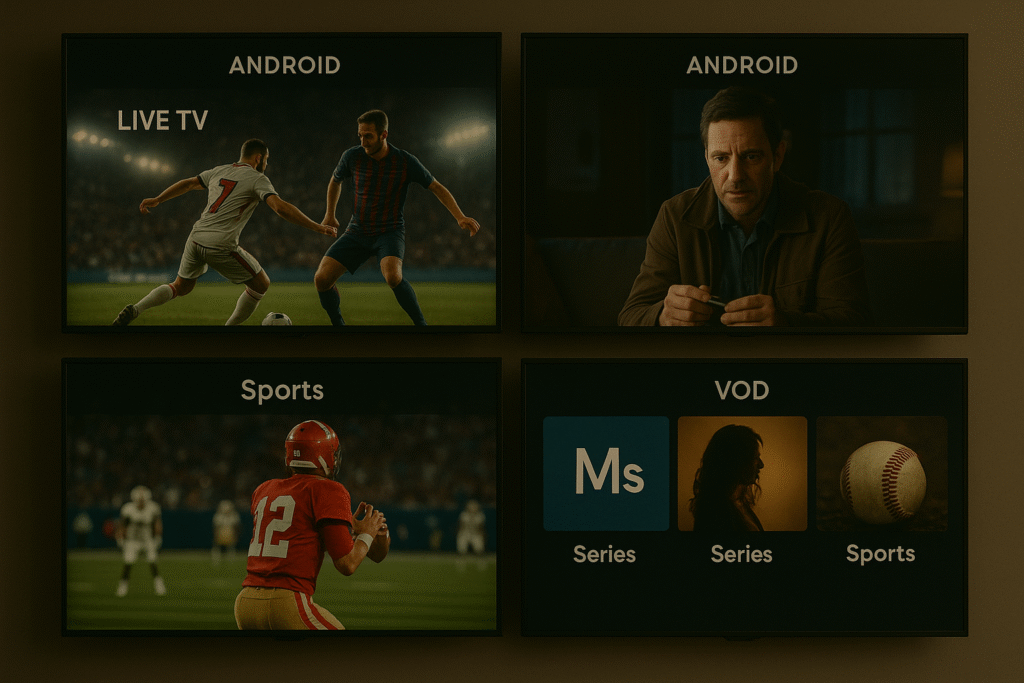
Most IPTV players present large tiles for Live TV, Movies/VOD, Series, Catch-Up, and EPG. Use your remote’s d-pad to move across tiles and press OK to enter. Inside Live TV, you’ll find regional and genre folders such as Sports, News, Movies, Kids, and country-specific groups. The EPG grid shows timelines for what’s on now and next; select an entry to jump straight to the channel.
If a channel plays audio without video, or video stutters on one app, switch the playback decoder in settings. Try Hardware, Software, or Native decoding until the stream stabilizes.
Streaming tips for 4k Gold IPTV on Android TV
Prefer Ethernet
- A wired connection reduces latency and avoids Wi-Fi interference. If wiring isn’t possible, use strong 5 GHz Wi-Fi and keep the device near the router.
Mind your bandwidth
- Pause heavy downloads and background streaming during live matches or 4K movies. That frees bandwidth for your TV.
Pick the right stream.
- If a 4K channel buffers, switch to the HD version. The picture still looks excellent on many screens, and playback remains smooth.
Update your apps and firmware.
- New builds often add decoder fixes, better EPG handling, and stability improvements.
Use Favorites and Search
- Star your daily channels and pin them to the top. Search gets you to a specific channel or title in seconds.
Tweak buffer and player settings
- Some apps let you increase buffer size or toggle adaptive HLS. A slightly larger buffer can smooth out minor network jitter.
Using Smart IPTV on a MAG box (optional)
Prefer a dedicated IPTV receiver alongside Android TV? You can load your Gold IPTV playlist into the Smart IPTV portal on MAG devices:
- In Portal settings, set Portal 1 URL to the Smart IPTV MAG portal.
- Reboot to load the Smart IPTV interface.
- Go to the Smart IPTV playlist upload page on your phone or PC, enter the MAG’s MAC address, and upload your M3U URL.
- Refresh the app on the MAG (often the 0 key) to load groups and channels.
- The one-connection rule still applies. Don’t stream on MAG and Android TV at the same time unless your plan allows it.
If Smart IPTV won’t load on a specific model, use the provider’s native MAG portal method instead.
Troubleshooting common issues
App not working or crashing.
Try a lighter app such as TiviMate. If the playlist is huge, remove groups you never watch. Clear cache or reinstall if the problem persists.
Buffering or delays
Check your speed, reboot the router and TV device, and prefer Ethernet over Wi-Fi. If all channels buffer, the bottleneck is likely local. If only one channel buffers, switch away for a minute and try again.
Login or authentication errors
Verify the portal URL, username, and password. Ensure no other device is streaming on the same account at the same time.
Audio but no video
Change the app’s decoder from Hardware to Software or Native. Test again. As a fallback, try an external player like MX Player or VLC.
MAG portal won’t load
Confirm the portal URL and that your MAC address is registered. If issues persist, revert to the provider’s native portal or contact support.
EPG is empty or out of sync
Xtream Codes usually pulls the EPG automatically. With M3U, paste the EPG source if provided and adjust the EPG time offset in app settings to match your local time.
Performance checklist for IPTV 4k Gold on Android TV
| Setting | Target/Requirement | Why It Helps |
| Internet Speed | ~8 Mbps for HD, 20–25 Mbps for 4K | Prevents buffering on high-bitrate streams |
| Connection | Wired Ethernet or strong 5 GHz Wi-Fi | Improves stability and cuts wireless interference |
| Decoder | Try Software or Native if needed | Fixes black video or stutter on some channels |
| Account Usage | One active stream per plan | Avoids server blocks or bans |
| App Choice | Smarters, TiviMate, XCIPTV, Smart IPTV | Reliable EPG, good performance, simple setup |
Security, privacy, and legality
Some users enable a VPN to encrypt traffic and reduce the chance of ISP throttling. Keep in mind that certain IPTV providers block VPN or proxy usage. Test and use whatever path delivers stable access. IPTV services like Gold IPTV may operate in a licensing grey zone in some regions. Stay informed about local rules, keep usage personal, and consider official apps or passes where appropriate.
Practical privacy tips
Use strong, unique passwords. Consider an alias email for sign-up. Keep your Android TV device and router firmware updated, and only install IPTV players from trusted sources.
Is Gold IPTV on Android TV worth it?
For sports fans, movie lovers, and families, the value is compelling. You get thousands of live channels, extensive VOD, and 4K options at a fraction of cable pricing. The ecosystem works across devices and remains simple to manage Gold IPTV on Android TV. If you need concurrent streams in different rooms, choose a plan with extra connections to avoid login conflicts.
Quick start recap
- Install a compatible IPTV app on Android TV
- Enter your M3U or Xtream Codes credentials
- Test a few channels and VOD items
- Optimize network and decoder settings for smooth playback
Conclusion
Gold IPTV on Android TV can be a powerful all-in-one setup when you pair a reliable player with solid network fundamentals. Keep your subscription details safe, honor the one-connection rule, and use the EPG and Favorites to streamline daily viewing. The result is sharp video, quick navigation, and a premium feel without premium bills.